
Santander Online Business Banking Keeps Freelance Appointment Setter Income Separate and Tax Ready
· 20 min read

Introduction
Getting paid as a freelance appointment setter can feel like a rollercoaster. One month you land five new meetings for a client. The next month is slow. Your income bounces up and down. And when those payments hit your personal checking account, everything gets messy fast.
Here is the thing. Mixing your freelance income with your personal spending makes tax time way harder than it needs to be. It also makes it tough to know how much money your appointment setting business actually earned.
That is where Santander online business banking comes in. It gives you a clean, separate place for your business income and expenses. No more digging through your personal transactions to find that one client payment. No more guessing what you can write off.
Santander bank online business accounts are built with self employed professionals in mind. You get tools to track your cash flow, send invoices, and manage your money from your phone or computer. That matters when you are busy setting appointments and chasing leads instead of balancing a checkbook.
The right business bank account does more than hold your money. It helps you run your freelance appointment setting operation like a real business. And in 2026, that makes all the difference.
What Is Santander Online Business Banking?
Santander is a global bank with a strong presence in the UK, Europe, and the Americas. It serves millions of customers all over the world. But for freelance appointment setters, the business banking side is the part that really matters.
So what makes Santander online business banking different from a regular personal checking account?
First, the accounts are built for specific types of businesses. Santander targets sole traders, limited companies, and partnerships. That covers just about every freelance appointment setter out there. Whether you work alone under your own name or you have registered a formal limited company, Santander has an account that fits.
The bank splits its accounts into two main groups: small-business checking accounts and business banking checking accounts, according to a Santander Business Banking Review from Business.org.
This setup lets you pick the right level of service for your current stage of growth.
The core value proposition is simple: digital-first, easy account management. All accounts come with online and mobile banking, check order discounts, and a business debit card, as highlighted in a Wise review of Santander business checking.
With Santander bank online business accounts, you can check balances, transfer funds, and make payments anytime from your phone or computer.
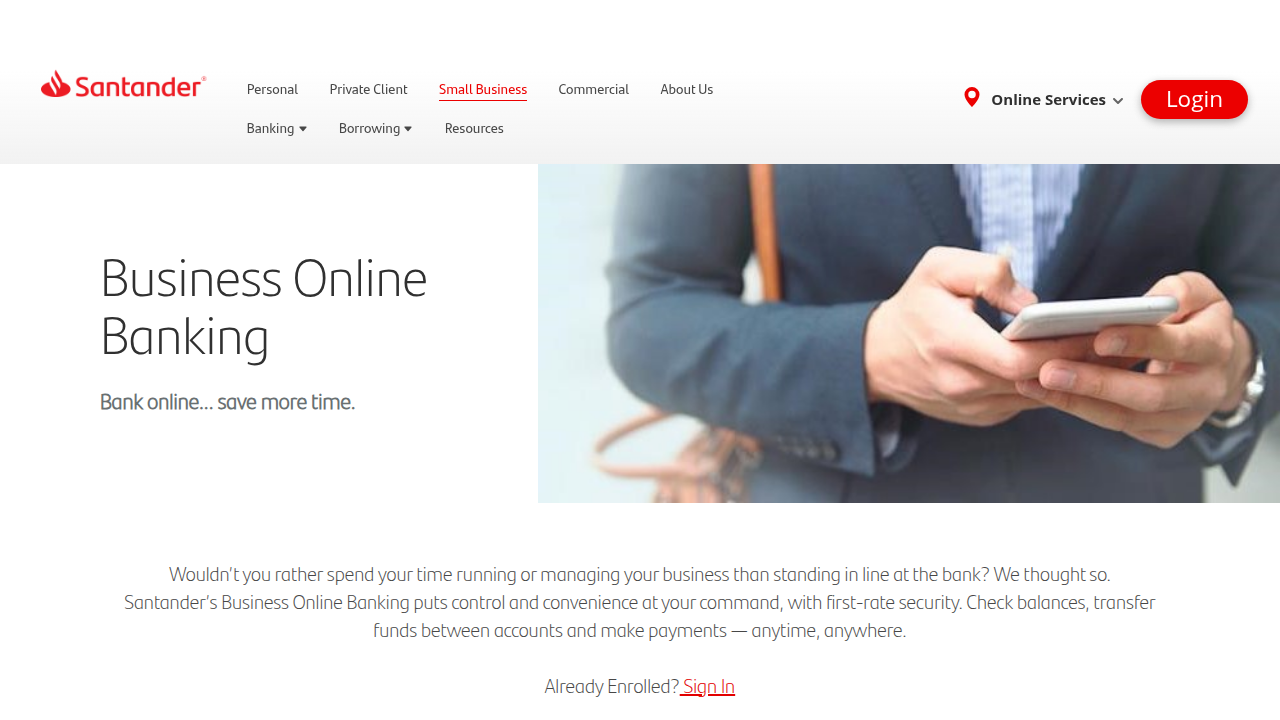
Their Business Online Banking page notes first-rate security along with full control and convenience.
For appointment setters, this means sending invoices, tracking payments, and watching your cash flow all in one spot. No more sifting through personal transactions to find client payments.
Santander digital banking also offers mobile check deposits, bill pay, and instant transfers, as explained in this overview from Sovereign Boss. That matters when your day is packed with back-to-back calls and follow-ups.
The result is a business account that keeps your freelance income clean, your expenses trackable, and your tax prep much simpler. All from your phone or laptop.
Key Features for Freelancers and Small Business Owners
Now that you know what Santander online business banking is, let’s talk about what it actually does for you. The features are where this account starts to earn its keep. Here are the ones that matter most for freelance appointment setters and small business owners.
No monthly fee options. Yes, you read that right. Santander offers business checking accounts with no monthly maintenance fee on certain accounts. According to their compare business checking accounts page, you can find an account that fits your budget without eating into your profits. For a freelance appointment setter who might have lean months, this is huge. You get unlimited free transactions on some accounts too. No per-check fees, no per-deposit charges. Your money stays where it belongs with you.
Real-time balance alerts and instant payments. When you are juggling multiple clients and deadlines, the last thing you need is to wonder about your cash position. Santander online banking sends you balance alerts the moment something changes. You know exactly when a client payment lands and when a bill clears. And instant payments mean you can move money between accounts or pay a vendor right now, not tomorrow. The Business Online Banking page puts it simply: check balances, transfer funds, and make payments anytime. That kind of control keeps your day running smooth.
Multi-currency accounts and international transfer capabilities. This is where Santander really helps appointment setters who work with clients across borders. Maybe you book appointments for a US company but get paid by their UK branch. Or you have clients in Europe and Australia. Santander supports multi-currency accounts and international transfers that save you from crazy exchange rates and hidden fees. A Wise review of Santander business checking highlights these international features as a major plus for small businesses with global clients. You can hold, send, and receive money in different currencies all from the same dashboard.
These three features alone make Santander online business banking a solid choice for freelancers. No fees to worry about, real-time visibility on your cash, and the ability to work with clients anywhere in the world. That’s a banking setup that lets you focus on what you do best booking appointments and growing your business.
Step-by-Step Guide: How to Open a Santander Business Account Online
You know the features are solid. No monthly fee options, real-time alerts, and multi-currency tools make Santander online business banking a strong choice for any freelance appointment setter. But how do you get approved and set up without headaches? Let me walk you through the exact steps.
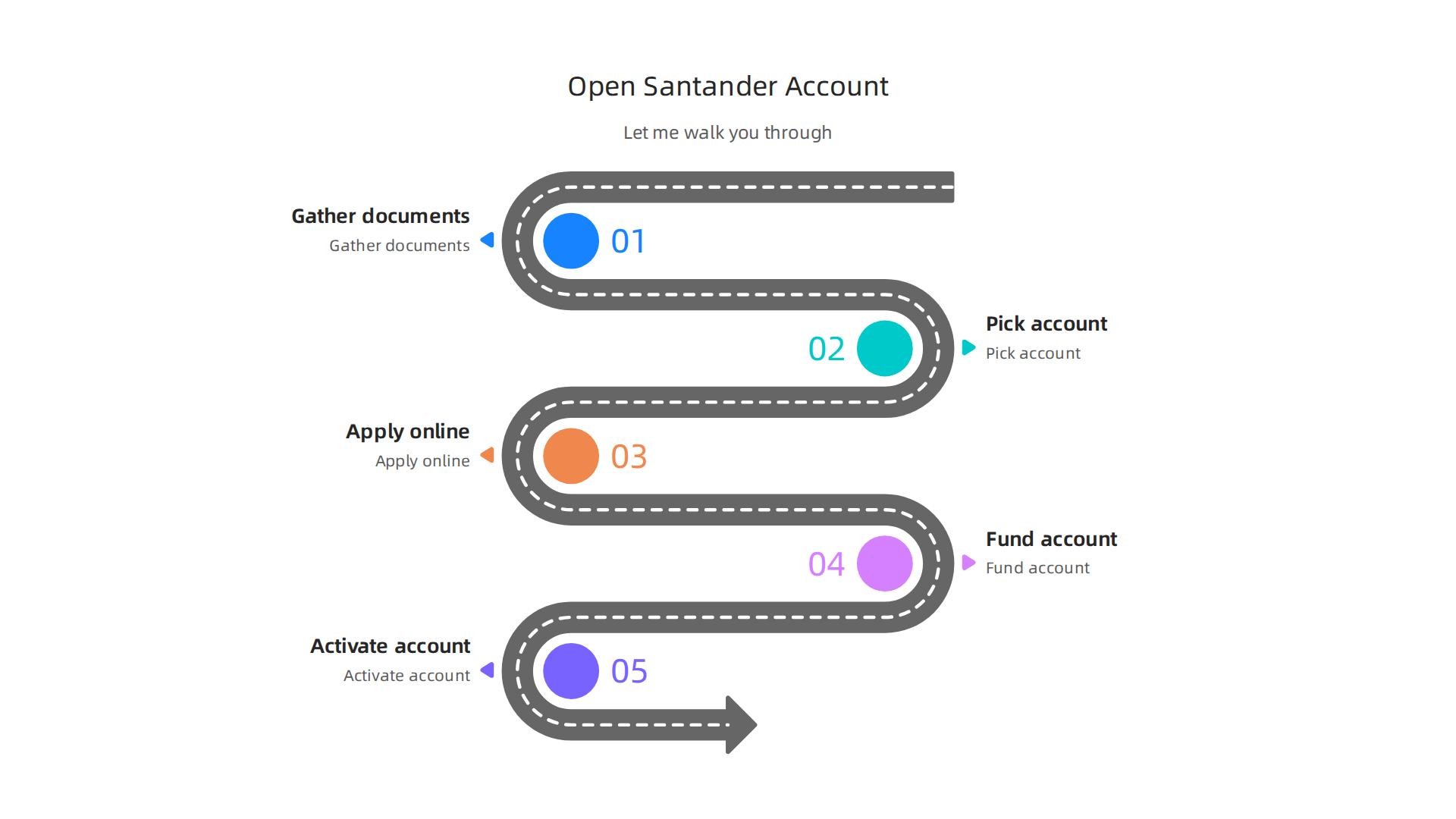
Step 1: Gather Your Documents and Check Eligibility
Before you start the online application, have these ready. You will need your Social Security Number or Employer Identification Number, your business registration documents like a Doing Business As certificate, and a valid government ID. The minimum opening deposit is just $50. Check their official Account Opening Checklist so you do not miss a step.
Taking a few minutes to gather everything upfront saves you from stopping mid application to hunt for a document.
Step 2: Pick the Right Account for Your Needs
Santander offers several business checking accounts. Their Business Checking page explains how to waive monthly fees. For example, keeping a $5,000 average daily balance removes the monthly fee entirely. If your cash flow varies month to month, compare your options on their business checking comparison page. For a freelance appointment setter, an account with lower transaction fees and a waivable monthly fee usually makes the most sense.
Step 3: Complete the Online Application
Now fill out the application on the Santander Bank website. The form asks for your personal details, business information, and how you want to fund the account.
Avoid these common pitfalls to keep the process smooth:
- Make sure your business name matches your tax documents exactly. Even a small typo can cause delays.
- Watch for excess transaction fees. A Wise review of Santander Business Checking breaks down the costs clearly so you know what to expect.
- Read the Business Deposit Account Fee Schedule ahead of time. Understanding cash deposit charges and monthly limits keeps surprises away.
Step 4: Fund the Account and Activate Features
Once approved, transfer your opening deposit to activate the account. Log in to online banking and set up your profile. Activate real-time balance alerts and connect your multi-currency accounts if you serve international clients. You are now set up to manage freelance payments and bookings with Santander online business banking.
Account Types and Fee Structures Explained
Picking the right account for your freelance appointment setting business is about more than just a low monthly fee. You also need to understand transaction limits and cash deposit charges. Here is a simple breakdown of the main Santander online business banking accounts and how much they actually cost.
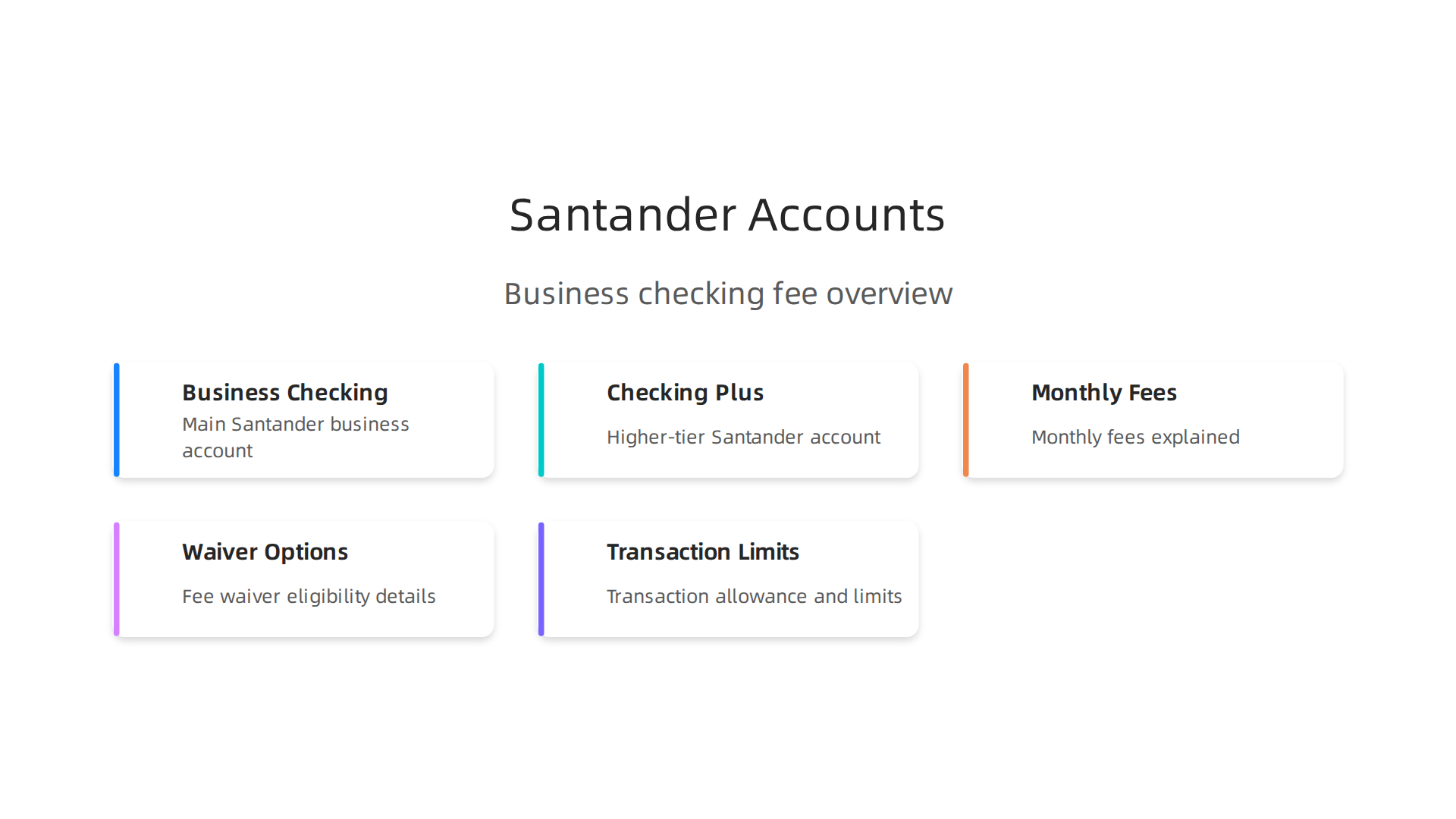
Santander Business Checking (the basic tier) has a $15 monthly fee. You can waive that fee easily. Keep a $5,000 average daily balance in the account, or have $10,000 in combined business deposits with Santander. Your account stays free. For most freelance appointment setters, this is the sweet spot.
Santander Business Checking Plus has a $50 monthly fee. It requires a $25,000 average balance to waive, or $50,000 in combined balances. This tier is better if you run a larger operation with many transactions.
Both accounts also charge for going over your free transaction limit. You get 300 transactions per month for free. After that, each transaction costs $0.60. Cash deposits cost $0.27 per $100 you deposit. These numbers come from the official Santander Business Checking fees page and a helpful Wise review of Santander Business Checking.
To avoid surprise charges, keep an eye on your monthly transaction count. Santander online business banking makes it easy with real time alerts.
Fee relief options are simple:
- Waive the monthly fee by maintaining the required balances.
- Stay under 300 transactions to avoid per transaction fees.
- Limit cash deposits or bundle them to reduce the per $100 charge.
For a full look at all possible charges, read the Business Deposit Account Fee Schedule. If you are in the UK or Spain, Santander also offers regional accounts like the Business account with zero fees in Spain, but the details above are for US based businesses.
With this fee knowledge, you can pick the account tier that saves you the most money each month.
Now that you understand the fee structure, let’s talk about how you will actually run your account every day. The heart of your santander online business banking experience is the mobile app. It is designed to save you time and keep you in control of your money.
Security and Speed
Logging in is fast and secure. You can use Touch ID or Face ID on your phone to access your account instantly. There is no need to type a long password every time. Santander also offers a feature called Quick Balance. It shows your account balances without requiring a full login. This is perfect for a quick glance between client calls. The Santander UK business mobile banking support page explains these security features in detail. You can also learn about Quick Balance on the Small Business Resources page.
Full Control from Your Phone
The app is a complete tool for your business. You can check real-time balances, send money to vendors, and pay bills.
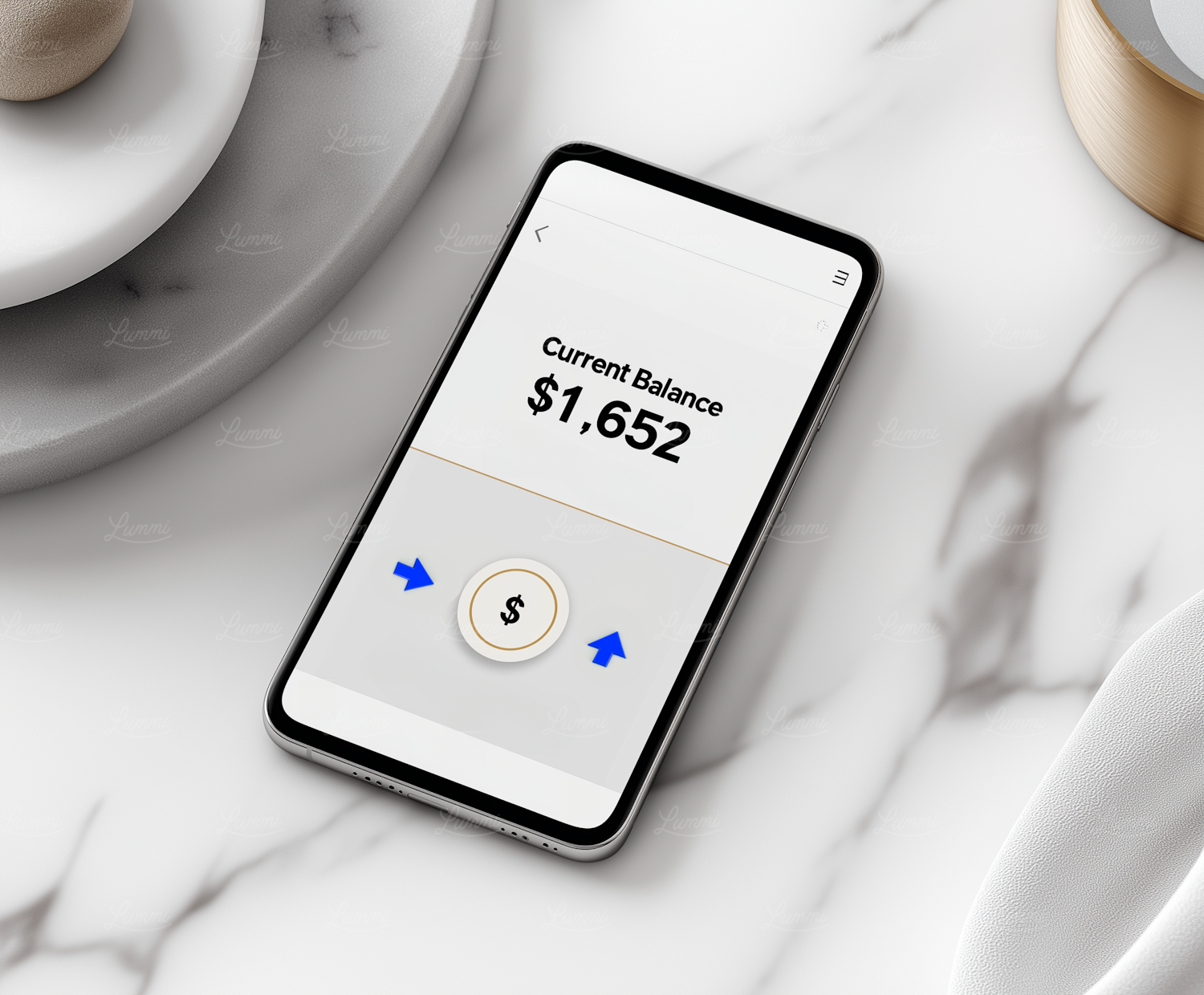
Mobile check deposit is a standout feature. You simply photograph a check and deposit it instantly. The app is available on both the Google Play Store and the Apple App Store. It has strong ratings for its ease of use and reliability.
Making Your Life Easier
The digital tools help you manage your money smarter. You can manage your debit card, set spending limits, and get alerts for every transaction. For record keeping, the app supports receipt capture. Just take a photo of a receipt, and the app stores it for you. This makes tax season much less stressful. The app also integrates with popular accounting software. This saves you from manual data entry. A Wise review of Santander business checking highlights how these features give business owners more time to focus on clients.
A Connected Business Hub
The mobile app works perfectly with the santander bank online business website. You can start a task on one device and finish it on another. Everything syncs in real time. For freelancers running an online commerce business, this seamless experience is a game changer. It makes managing your business banking simple, fast, and secure.
Security, Fraud Protection, and Regulatory Compliance
You trust your business money to Santander. So you need to know your santander online business banking account is safe. The good news? Santander takes security very seriously. They use strong encryption to protect your data.

When you log in, you also use two-factor authentication. You can use Face ID, Touch ID, or a fingerprint on your phone. This extra step stops anyone else from getting into your account. The Santander UK business mobile banking support page shows how these features keep your login secure.
But what if something still goes wrong? Santander has fraud monitoring that watches your account for strange activity. If they see a payment that looks odd, they will alert you quickly. And if someone makes a fraudulent transaction, you are usually not responsible. A Wise review of Santander business checking notes that the bank offers strong liability protection. This means you can focus on your business without worrying about losing money to fraud.
There is also the legal side. Santander is regulated by the Financial Conduct Authority (FCA) in the UK. This means they follow strict rules to keep your money safe. Your deposits are also covered by the Financial Services Compensation Scheme (FSCS) up to £85,000 per person. So even if the bank fails, your money is protected. For anyone running an online commerce business or using santander bank online business tools, this peace of mind matters a lot. You can run your day to day operations knowing your santander online business banking account is built on a strong safety net.
Integrating Santander with Accounting and Invoicing Software
Manually entering every payment, invoice, and expense into your accounting system is a huge time drain. It also leads to mistakes. If you run an online commerce business, you probably deal with a high volume of transactions. Typing them in one by one is not sustainable. The good news is that santander online business banking connects directly with the tools you already use.
Santander works natively with popular accounting platforms like Xero, QuickBooks, and FreeAgent. This means your bank transactions flow straight into your accounting software.

No more exporting CSV files or copying numbers by hand. The feed updates automatically, so your books are always current. When you log into your santander bank online business dashboard, you can set this up in just a few clicks.
The integration goes beyond just moving data. It also includes automated categorization. Santander tags transactions based on their type, like utilities, office supplies, or sales income. Your accounting software then matches these categories to your chart of accounts. Over time, the system learns your patterns and gets even more accurate. This makes bank reconciliation much faster. Many business owners report cutting their month end closing time in half.
If you need more flexibility, Santander supports Open Banking APIs. These allow you to build custom connections between your bank account and other business tools. Whether you use a custom ERP system or a specialized invoicing app, you can connect it securely. Open Banking puts you in control of your financial data.
According to a 2026 comparison of Santander and HSBC business accounts, Santander’s digital features are a strong match for businesses that value automation. The ability to link with accounting software is one of the key reasons small business owners choose Santander.
By connecting your santander online business banking account to your accounting tools, you save time, reduce errors, and get a clearer picture of your cash flow. For any online commerce business, this kind of efficiency is a game changer.
Santander vs. Competitors: Which Bank is Best for Appointment Setters?
Picking a business bank can feel overwhelming when you are a freelancer or remote worker. You want low fees, a solid mobile app, and support that actually helps. So how does santander online business banking stack up against popular challengers like Starling, Revolut, and HSBC Kinetic? Let’s break it down.
Fees and Account Costs
Santander offers a straightforward Business Current Account with no monthly fee if you pay in enough each month. That is great for appointment setters with steady income. HSBC Kinetic also has no monthly fees, but it is digital only. Starling and Revolut have free tiers but charge for extras like faster payments or international transfers. A 2026 comparison of Santander and HSBC notes that both are strong on value, but Santander gives you branch access if you ever need face to face help.
Mobile App Experience
For appointment setters on the go, a good mobile app is key. Santander’s app lets you check balances, make payments, and even deposit cheques by taking a photo. Starling and Revolut are known for slick, intuitive apps with instant notifications. HSBC Kinetic is also app first. But Santander stands out because it blends digital convenience with physical branches. According to a 2026 analysis of Santander’s hybrid strategy, this mix helps users who want online speed plus in person backup.
Customer Support for Freelancers
When you work remotely, you cannot always visit a branch. Santander offers 24/7 phone and online chat support. Starling and Revolut rely heavily on in app chat. Some users find Revolut’s support slow if you have a complex issue. HSBC Kinetic also has digital support but lacks branch access. For appointment setters who value being able to talk to a real person, Santander’s customer service is a plus. A 2026 Santander business banking review highlights that Santander’s support team is well rated for resolving problems quickly.
Pros and Cons Specific to Appointment Setters
Santander pros:
- Branch access for cash deposits or notary services
- Strong integration with accounting software (as we covered)
- Reliable mobile app with basic but useful features
Santander cons:
- Some fees if you do not meet minimum balance
- Less flashy than Starling or Revolut
Starling/Revolut pros:
- No monthly fees on basic plans
- Super fast app and instant payments
Starling/Revolut cons:
- Limited in person support
- Fewer built in business tools
HSBC Kinetic pros:
- Simple, fee free digital account
- Good for low volume freelancers
HSBC Kinetic cons:
- No branch network
- Less automation than Santander
The Bottom Line
For appointment setters who want a balance of digital ease and human support, santander online business banking is a strong pick. If you prefer a purely app based experience and do not mind less personal help, Starling or Revolut might work. But if you value reliability, accounting integrations, and the option to visit a branch when needed, Santander wins.
If you are still comparing options, check out this roundup of the best business bank accounts in 2026 to see how Santander ranks against others.
Tips for Managing Business Cash Flow with Santander’s Tools
Cash flow can be tricky when your income changes each month. As an appointment setter, you want to avoid surprises like a big tax bill or late payment from a client. Santander’s santander online business banking tools can help you stay on top of your money without a lot of extra work. Here are three simple tips to keep your cash flow healthy.
Use Savings Pots and Automatic Transfers for Taxes
One of the easiest ways to avoid a tax scramble is to set aside a slice of each payment you get. Santander lets you create separate savings pots inside your account. You can set up automatic transfers so every time a client pays you, a percentage moves straight into a tax pot. This way you never spend money you owe to the government. Santander’s cash management account options help you streamline this process and keep your main balance clean.
Forecast Cash Flow with Spending Insights
You do not need a spreadsheet to see where your money goes. Santander’s online banking dashboard gives you a clear view of your income and expenses. You can spot slow months before they hit and plan ahead. Santander has a guide on creating a cash flow forecast that walks you through the steps using your own account data. Pair that with the free efficient cash management course to learn how to use tools like credit lines if you ever need a short term boost.
Set Up Payment Reminders and Recurring Invoices
Chasing late payments hurts your cash flow. Santander lets you set up payment reminders so clients get a nudge before their due date. You can also create recurring invoices for clients who pay you the same amount each month. This automation saves you time and keeps money coming in on schedule. If you want even more control, Santander’s commercial online banking platform lets you monitor all your transactions in one place.
These small habits can make a big difference. When your cash flow is predictable, you can focus on setting more appointments instead of stressing over bills.
Customer Support and Educational Resources
Even the best santander online business banking tools feel useless if you get stuck and cannot find help. The good news is Santander does not leave you on your own. They offer real support and free learning materials to help you run your business with confidence.
24/7 Help When You Need It
Have a question at midnight? Santander has you covered. You can call their business support line any time of day or night. Prefer typing? Use the live chat feature inside your account. If you like talking face to face, walk into any branch during business hours. A real person will help you with everything from setting up automatic transfers to fixing a payment issue. This mix of phone, chat, and in person support means you never have to wait long for an answer.
Online Knowledge Base and Guides
Santander also offers a large online library of business banking guides. You can find step by step articles on topics like creating a cash flow forecast or managing your day to day transactions. For example, their guide on 5 steps to creating a cash flow forecast for your business walks you through each stage using simple language. These resources are free and available right inside your account dashboard. If you are new to santander bank online business tools, this library is a good place to start.
Webinars and Financial Tips
Beyond written guides, Santander offers free webinars and short courses aimed at small business owners. Their efficient cash management course teaches you how to use banking tools like credit lines and factoring to smooth out your cash flow. You can also sign up for email tips that cover topics like invoicing, budgeting, and planning for slow months. These resources are especially helpful for appointment setters who manage irregular income and want to build better financial habits.
When you combine Santander’s support options with their educational content, you get more than just a bank account. You get a partner that helps you grow your online commerce business without the stress of figuring everything out alone.
Summary
This article explains how Santander online business banking can help freelance appointment setters run their finances like a real business by keeping income and expenses separate, simplifying tax prep, and offering digital tools for everyday money management. It reviews the main account types, key features such as no-monthly-fee options, real-time balance alerts, multi-currency support, and mobile check deposit, and gives a clear step-by-step guide to opening an account. You’ll find a breakdown of fees and transaction limits, practical tips to avoid charges, and instructions for activating alerts and integrations. The piece also covers app functionality, security measures, and how Santander links to accounting software to automate bookkeeping. There’s a comparison with challengers like Starling, Revolut, and HSBC Kinetic to help you decide, plus cash-flow tactics using savings pots and recurring invoices. Finally, the article points to Santander’s support channels and educational resources so you can get help and keep improving your business finances.